
How Squiglet works
Four simple steps from a crumpled drawing on the kitchen table to a keepsake you can hold.
-
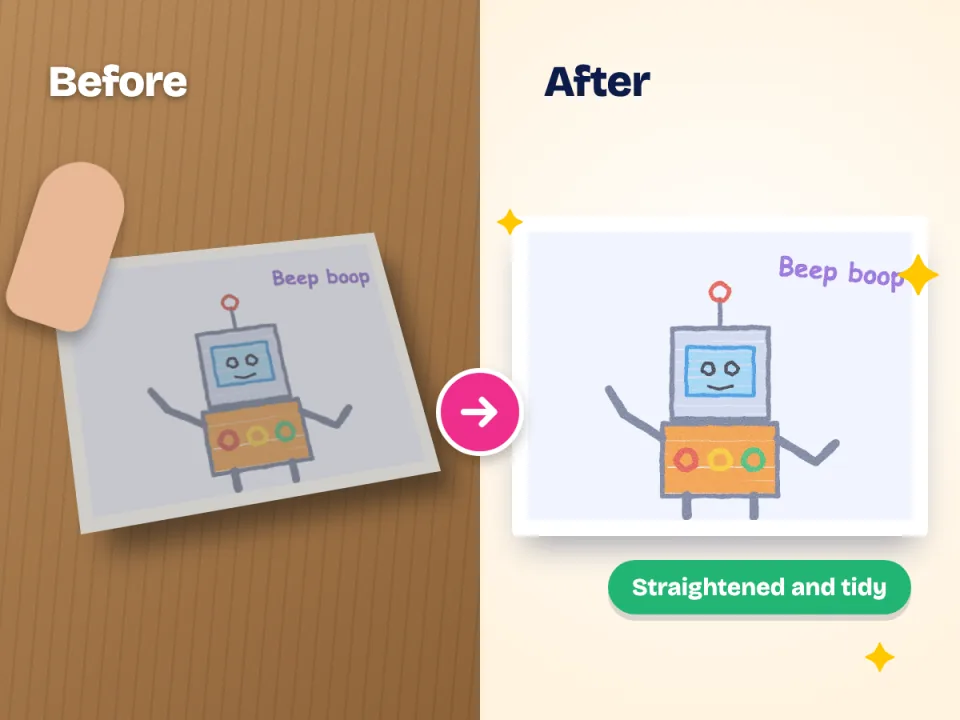
Scan
Open Squiglet, point your camera at the drawing and take the picture. The scanner finds the page, straightens it and evens out the light. You can also choose pictures you already took.
-
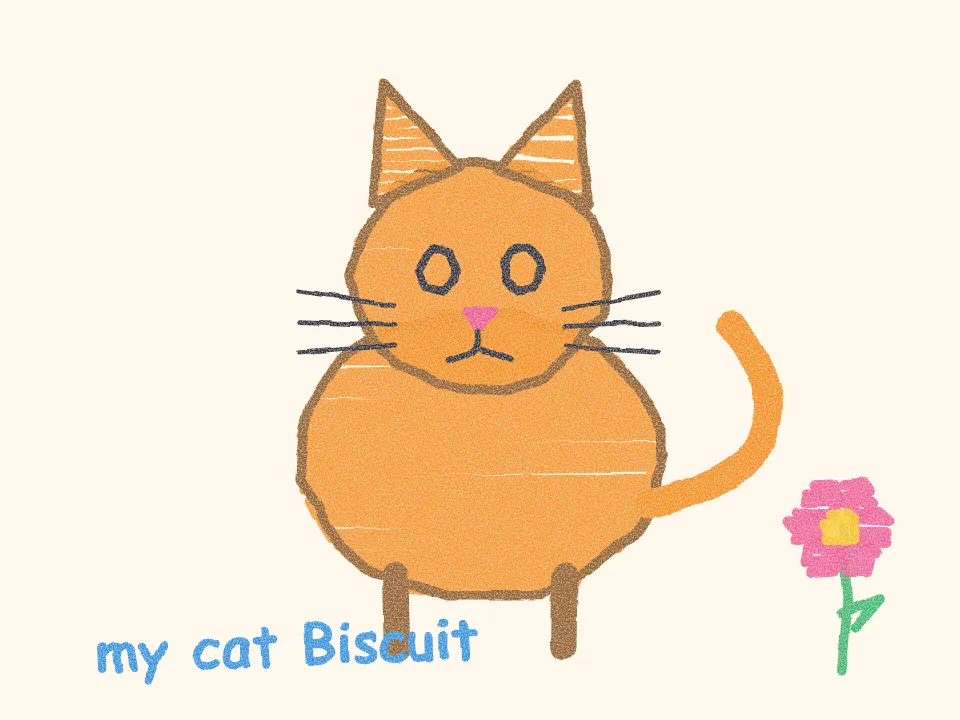
Name and file
Choose which child it belongs to and add a title, a date or a note ("Max, age 5, our dog Biscuit"). The original is stored safely, untouched.
-
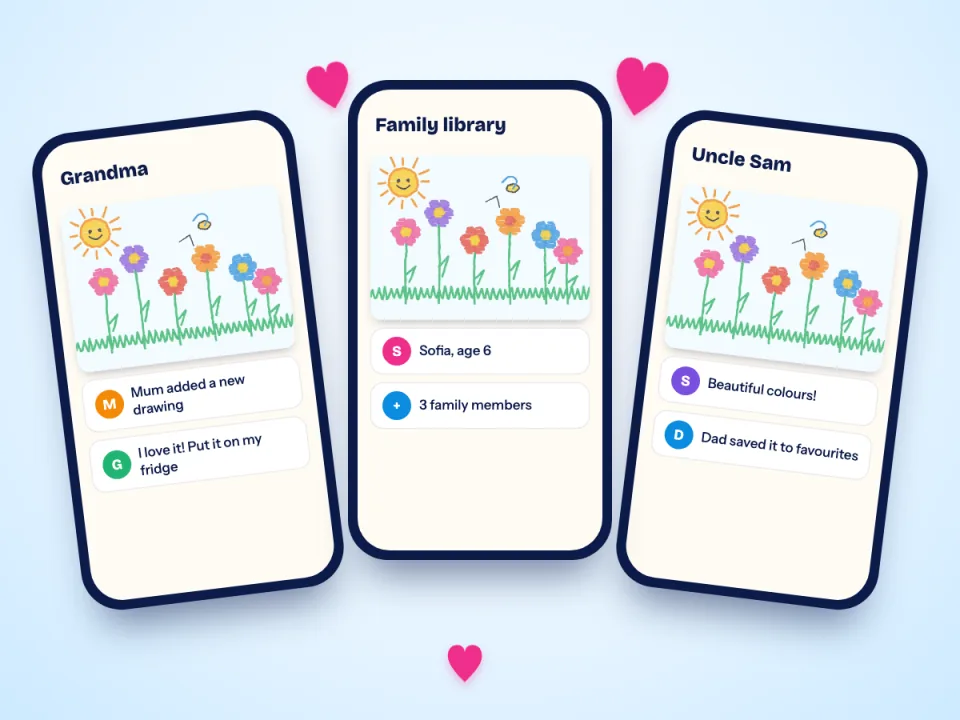
Share
Invite family to the library. They get a notice when new pictures arrive and can add favourites of their own.
-
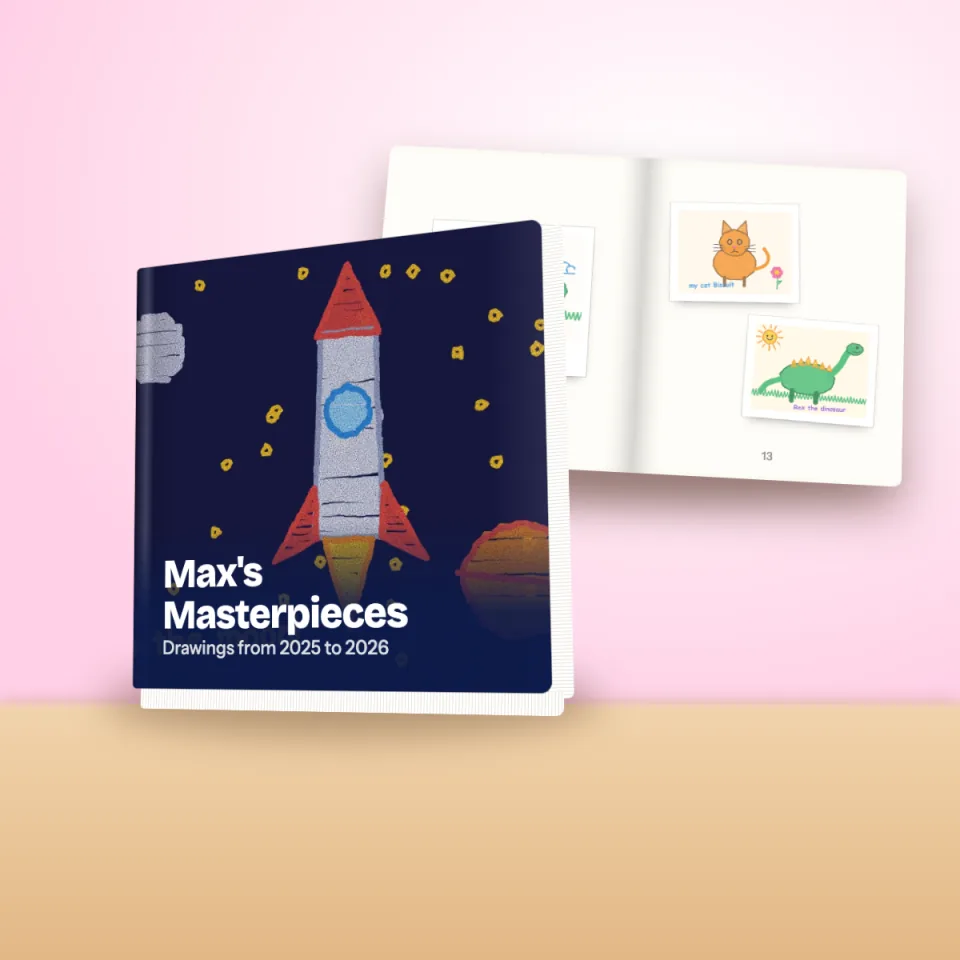
Print
Pick favourites for a book, a print or a phone case. See a preview of exactly what will be printed, then order. It is made to order and posted to you.
Step 1
Scanning that does the fiddly part for you
A photo taken at an angle makes a rectangle look like a trapezoid, and your own shadow lands on the page. Squiglet detects the edges of the paper, corrects the perspective, crops tight and balances the light.
- Works on paper of any size, from a sticky note to a big sheet of sugar paper
- Take many in a row, then sort them later
- If the automatic crop is a little off, fix it by hand in a few seconds
- The original is always saved too
Step 2
A library that stays organised without effort
Every child has their own timeline, grouped by month, so finding "that rocket from last spring" takes seconds. Add titles, notes and the child's age for the stories behind the pictures.
- A separate timeline for each child
- Favourites, per person, so everyone keeps their own
- A trash that holds deleted pictures for 30 days, in case of mistakes
- Optional help suggesting titles and tags (you choose whether to switch it on)

Steps 3 and 4
Share it. Then make it real.
Family members you invite see new pictures as they arrive. When a year of drawings has built up, you can design a photo book in the app: choose the pages, add captions, pick hardcover or softcover and see every page before you order.
Prefer one special piece on the wall? Order an archival print. Or put it on the back of your phone.
Questions about how it works
Do I need a scanner?
No. Your phone camera is all you need. Squiglet's scanner corrects the angle and the lighting for you.
How many drawings can I keep?
A free family library holds up to 100 pieces of artwork. See the pricing page for plans beyond that.
Can I use it without sharing with anyone?
Yes. Sharing is optional. Your library is private to you until you invite someone.
What if I take a bad photo?
Retake it, or fix it: crop, rotate and adjust the picture in the app. Your original is kept either way.
How long does printing take?
Books, prints and cases are printed to order, so there is a short production time before they are posted. You will see the estimate at checkout.
Ready to try it?
Join the waitlist and be the first to download Squiglet.
Free to start. No card needed.